1. Download Certus CheckDeviceLock™
Access Certus DispositionCenter™ and download Certus CheckDeviceLock™ to get started.


Windows Autopilot allows organizations to register devices and automatically configure them during Windows setup. When a computer is decommissioned or changes ownership, its previous Autopilot registration must be removed. If it remains registered, the device will stay linked to the previous organization and cause setup issues for the next owner. Checking the registration status beforehand helps identify and resolve these devices early.

Access Certus DispositionCenter™ and download Certus CheckDeviceLock™ to get started.
After erasure, our VerifyDrive™ independently scans your storage media and analyzes the data patterns to ensure a thorough wipe.
If an existing registration is detected, the device can be identified before it is transferred to its next owner.
The original check includes a 30-day grace period. If the previous owner deregisters the computer during this period, its status can be refreshed in Certus DispositionCenter™ without consuming another license.
CheckDeviceLock™ helps ITADs, leasing providers and MSPs detect Autopilot registered devices, while giving corporate and government organizations an additional security check. It provides an additional device check that can be incorporated into existing processing workflows.
When a computer is found to still be registered, the original check includes a 30-day grace period. This gives the previous owner time to deregister the computer before its status is checked again, without requiring another license for the refresh.
Windows Autopilot registration may not become apparent until a new owner begins setting up the computer. Certus CheckDeviceLock™ helps identify an existing registration earlier, reducing the risk of discovering that the device is still connected to the previous organization during Windows setup. The computer status can be managed and refreshed through Certus DispositionCenter™, keeping the check connected to your existing Certus environment.
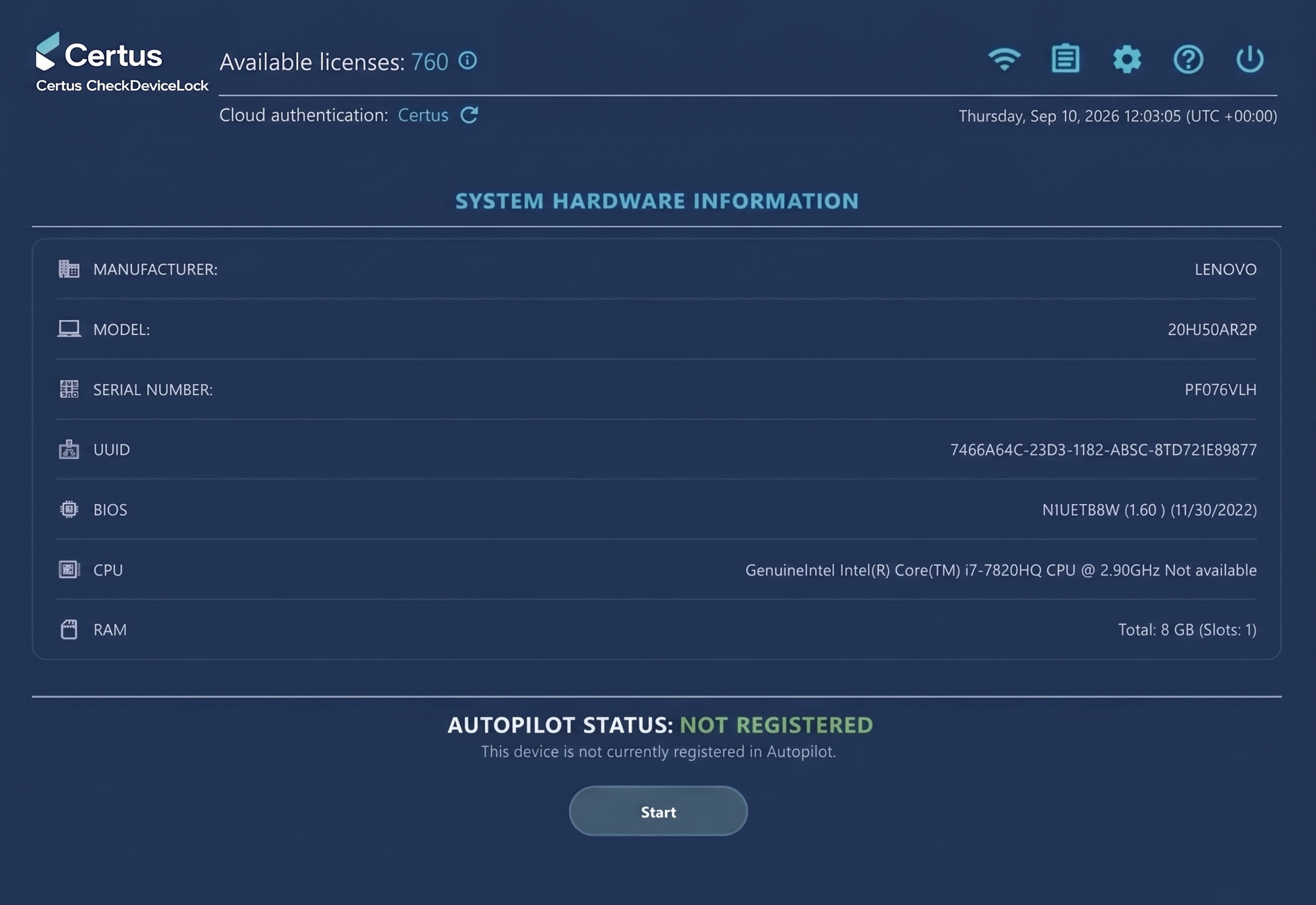
Certus CheckDeviceLock™ identifies whether a computer is still registered with Windows Autopilot. If a registration is detected, the device must be deregistered by the appropriate previous owner or organization. CheckDeviceLock does not remove the Windows Autopilot registration itself.
No. Certus CheckDeviceLock™ identifies whether the registration is still present. Deregistration must be completed by the appropriate previous owner or organization.
Certus CheckDeviceLock™ checks whether a computer is still registered with Windows Autopilot.
Windows Autopilot is a Microsoft technology that organizations can use to register and configure Windows computers for automated deployment and setup.
Certus CheckDeviceLock™ will be supported by the Certus Universal License.
Certus CheckDeviceLock™ is relevant for ITAD companies, leasing providers and MSPs, while also providing corporate and government organizations with an additional check during device decommissioning.
A computer that remains registered with a previous organization will encounter issues when a new owner attempts to complete the Windows setup process.
Secure data erasure solutions for ITADs, OEMs, IT recyclers, and refurbishers.
Secure data sanitization solutions for corporate IT teams focused on compliance, remote capabilities, and device lifecycle management.
Copyright All Rights Reserved © 2026 - Cookie policy
